
Mortar & artillery calculator
Firing solutions for the L81 mortar and the SPH-2 howitzer, right on the full-detail tactical map. Drag your gun and targets around and the numbers update live — then plan the barrage with your squad on a shared board.

L81 Mortar
81 mm · effective range 132–684 m on level ground
High-angle only. Sight 150–850 mil across its usable range.
| Arc | Range | Elevation |
|---|---|---|
| High angle | 132–684 m | 150–850 mil |
SPH-2 Howitzer
155 mm · effective range 780–2,629 m on level ground
Low arc 20–600 mil (1.18–2.63 km, faster, flatter); high arc 610–1390 mil (0.78–2.63 km, clears cover). Park level — hull tilt changes the real elevation.
| Arc | Range | Elevation |
|---|---|---|
| Low arc | 1181–2629 m | 20–600 mil |
| High arc | 780–2629 m | 610–1390 mil |
How to use it
- 1Open a map
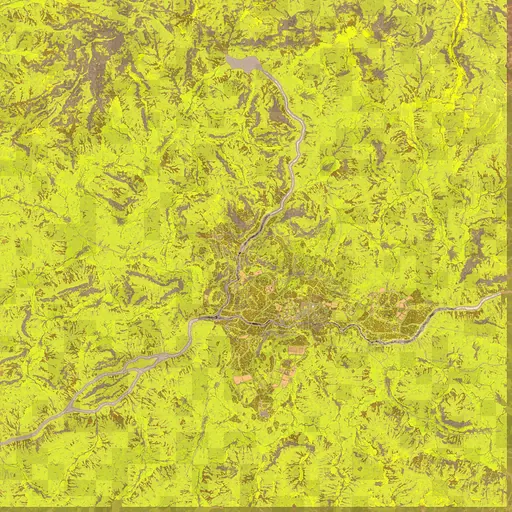
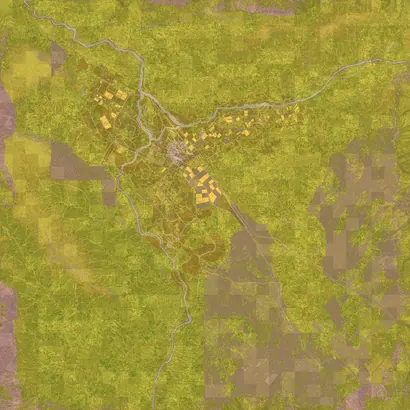
Pick Bakurani, Ozeti or Zestafona below — the calculator opens with the mortar tool ready.
- 2Place your gun
Choose L81 or SPH-2 and click your firing position (or type its in-game X/Y). Range rings show what it can reach.
- 3Place targets
Click each target. Every target gets its own solution: distance, azimuth (degrees and mils) and elevation.
- 4Dial and fire
Set the azimuth and elevation in-game. For the SPH-2 choose the low arc (faster) or high arc (over cover).
- 5Adjust fire
Watch the impact, then either tap Add/Drop/Left/Right or mark where it landed — the aim point is corrected for the next round.
- 6Share with the squad
Save the plan to a squad board: guns, targets and corrections sync to everyone in a few seconds.
Solutions come from community-measured flat-ground firing tables (from the open-source wardogs-calculator, MIT). They assume the gun and target are at the same height and don't model terrain, cover or dispersion — use the first round to range and correct. Coordinates match the game's X/Y (1 unit = 100 m).